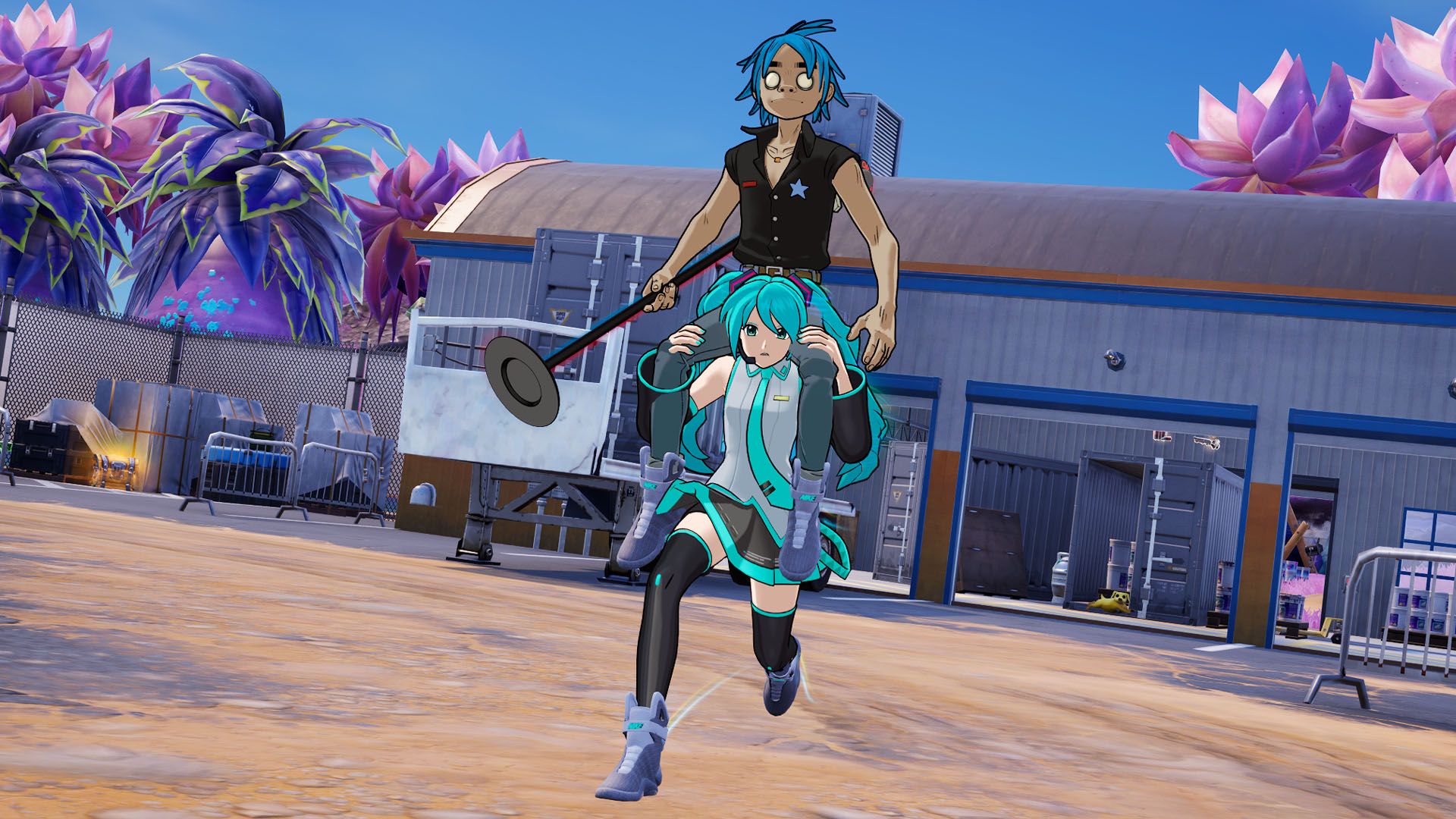
How to ride on a player's shoulders in Fortnite
Summary
Shoulder riding is a special social interaction in Fortnite Chapter 7 Season 2 that leads to huge towers of players.
Shoulder riding is a new special emote added in Fortnite Chapter 7 Season 2's April Fools' update.
Shoulder riding allows you to, well, ride on another player's shoulders or carry them on your own. However, you can also hop onto the shoulders of someone who is already on someone else's shoulders, which leads to a huge tower of players.
For a weekly quest in Chapter 7 Season 2, you need to ride someone's shoulders to track their movements. Here's how to ride someone's shoulders and lend your own shoulders as a seat in Fortnite.
How to ride on a player's shoulders in Fortnite
 Image: Epic Games via Polygon
To use the Shoulder Ride emote in Fortnite, press your emote button, which is B on keyboard or Down on the D-pad on controller by default, and swap over to the "Social Interactions" tab. At the top of the wheel, you'll find the Shoulder Ride emote, which will invite other players to get on your shoulders and display a large blue arrow pointing downward towards your head. If you don't want to carry other players or your teammates anymore, you can press left-click or RT/RB to quickly chuck them away.
 Image: Epic Games via Polygon
To ride on a player's shoulders, you'll need to look for another player to use the Shoulder Ride emote, which is indicated by the large blue arrow. From there, you can either interact with them or jump onto their shoulders.
If you're looking to complete the "Ride on a player's shoulders to gather intel on their movements" quest in Chapter 7 Season 2 Week 3, we first recommend playing as a duo or a squad, as the quest can be fairly difficult in solos and, unfortunately, doesn't complete on the starting island. After you drop onto the island, use the Shoulder Ride emote, run a short distance until the quest completes, and then swap places with your partner to complete both of your quests.